ShareX is available in the following languages.
Capture your screen in various ways—the entire display, a specific area, an active program window, a long scrolling page, or an individual monitor. Afterward, automatically process the result with post-capture actions.
Region captureThis feature offers drawing and annotation capabilities, allowing you to mark screenshots prior to saving, copying, or uploading them.
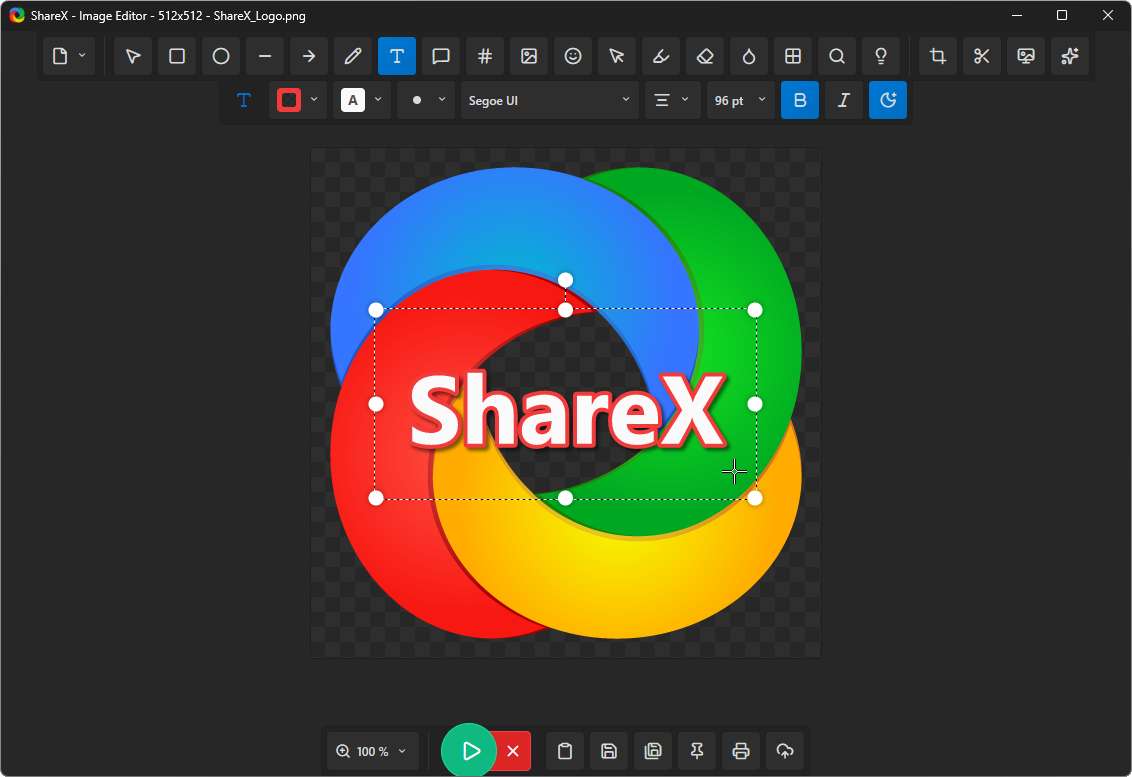
The ShareX image editorYou can use this tool to add annotations to screenshots, obscure sensitive details, crop images, insert callouts, and get captures ready for copying, saving, or uploading.
Send images, files, entire folders, clipboard contents, text snippets, or web addresses to your chosen storage location. Then, the resulting link can be automatically copied, opened, shortened, or shared.
ShareX also provides various everyday tools to enhance productivity. These include utilities for editing pictures, selecting colors, scanning QR codes, verifying hashes, viewing metadata, and managing clipboard items.
Step-by-step guides for ShareX on Windows, from your first screenshot to automated uploads.
Browse all ShareX guides or read the ShareX FAQ.
Always free. Open-source software. No user account is necessary.